@kristencorrao
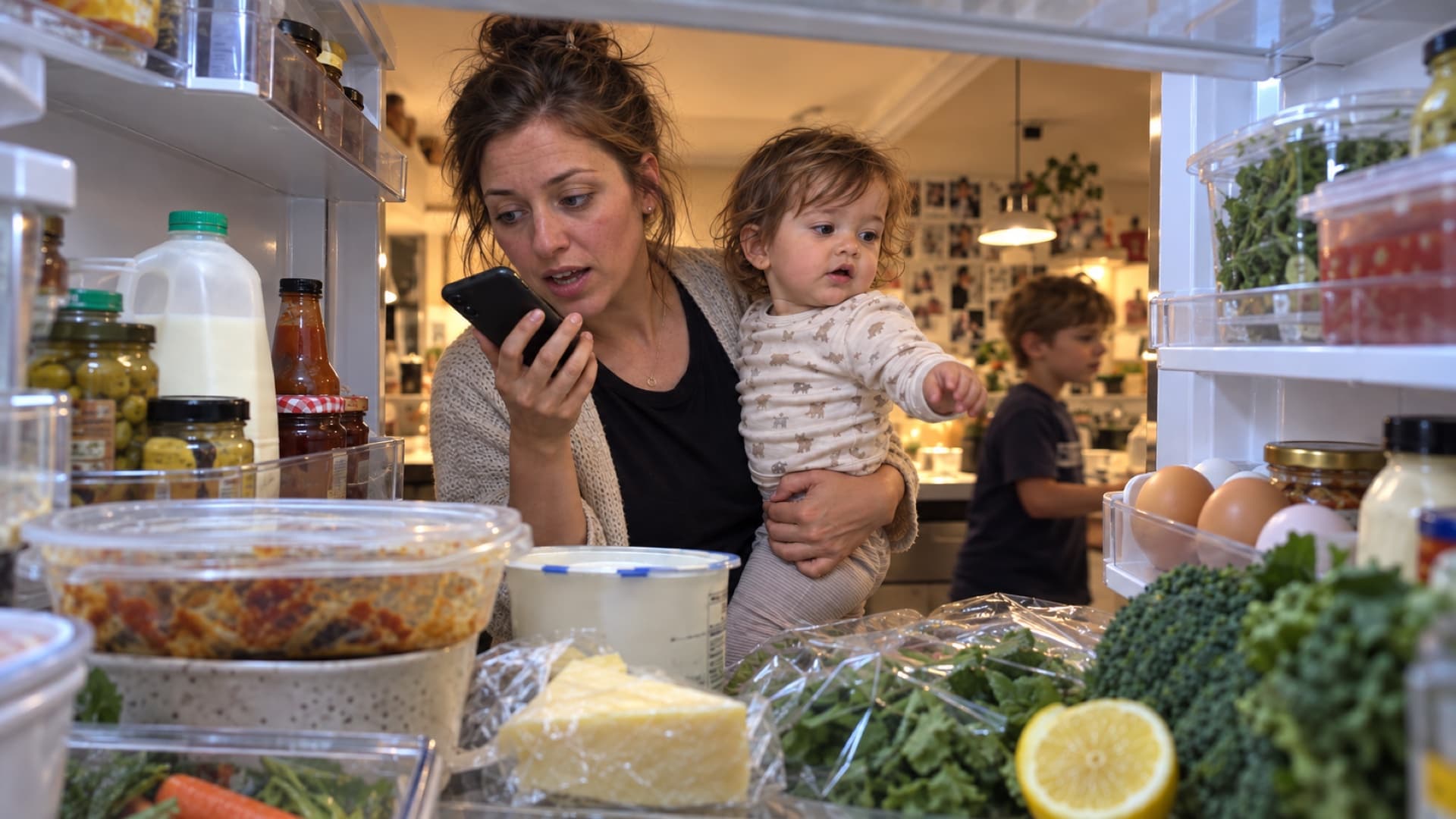
Fridge scan

How it works
An example of the voice flow: a greeting, a few ideas, your choice and final changes—then the app creates and saves your recipe.
Chapter 01 / 06
Open Talk or chat. Start a voice conversation, or choose Chat to type and take your time. You can still type while talking.
Illustrated voice example, based on the app’s flow. Responses and creation time vary. Chat lets you work at your own pace.
Tell us out loud, or build it together by text.
Talk
Have a natural voice conversation
Start talking
Chat
Type, edit, and take your time
Start typing
You can still type during a voice conversation.
Creator demos · Real kitchens
Talking is one way to begin. A fridge photo is another. These creator demos show how ingredients become a recipe you can cook.
Filmed with an earlier app interface. Fridge and ingredient scanning are still part of Do-Re-Ci-Pe.
@kristencorrao
Fridge scan
@marandterry
Dinner idea
Your route to dinner
Start a voice conversation or type at your own pace. In voice mode, the app greets you and waits for you to speak.
Talk about what you have and what you fancy. Recipe ideas appear once there’s enough context; choose the direction you want to explore.
Keep talking to adjust ingredients, portions or preferences. Confirm when the idea sounds right and you’re ready for the recipe.
The voice flow leaves a brief moment for last changes, with an Add it now option. Ingredients, instructions and the recipe image are created, then the recipe is saved to your collection.
After the voice conversation wraps up, find your recipe in the collection. Cook from its steps and timers, edit it, share it or add it to your meal plan.
What changes
You don’t have to know the answer before you ask. Start with the food, time and energy you have, then refine the recipe together.
Explore planning, pantry, shopping and imports →
Try it with tonight’s dinner